React Pricing Section Components
Pricing pages convert when the plans are easy to compare and the page feels premium. These React pricing sections go beyond flat tables: bento grids, isometric 3D tiers, cracked-glass and liquid-glass cards, and WebGL backgrounds. Each component is plain React and Tailwind CSS, so you can change plans, prices and features in a few lines.
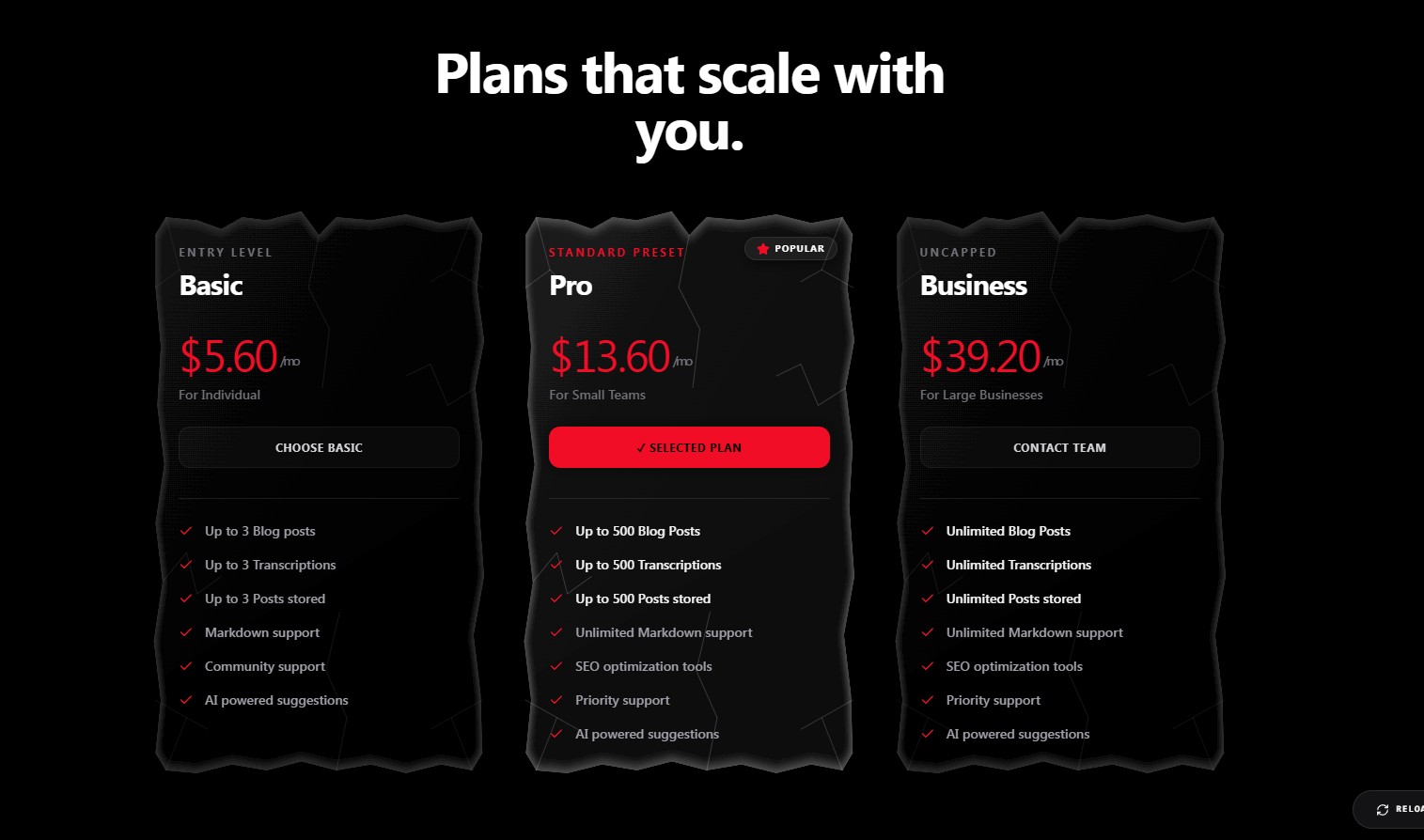 Cracked Glass Pricing – React Pricing Section
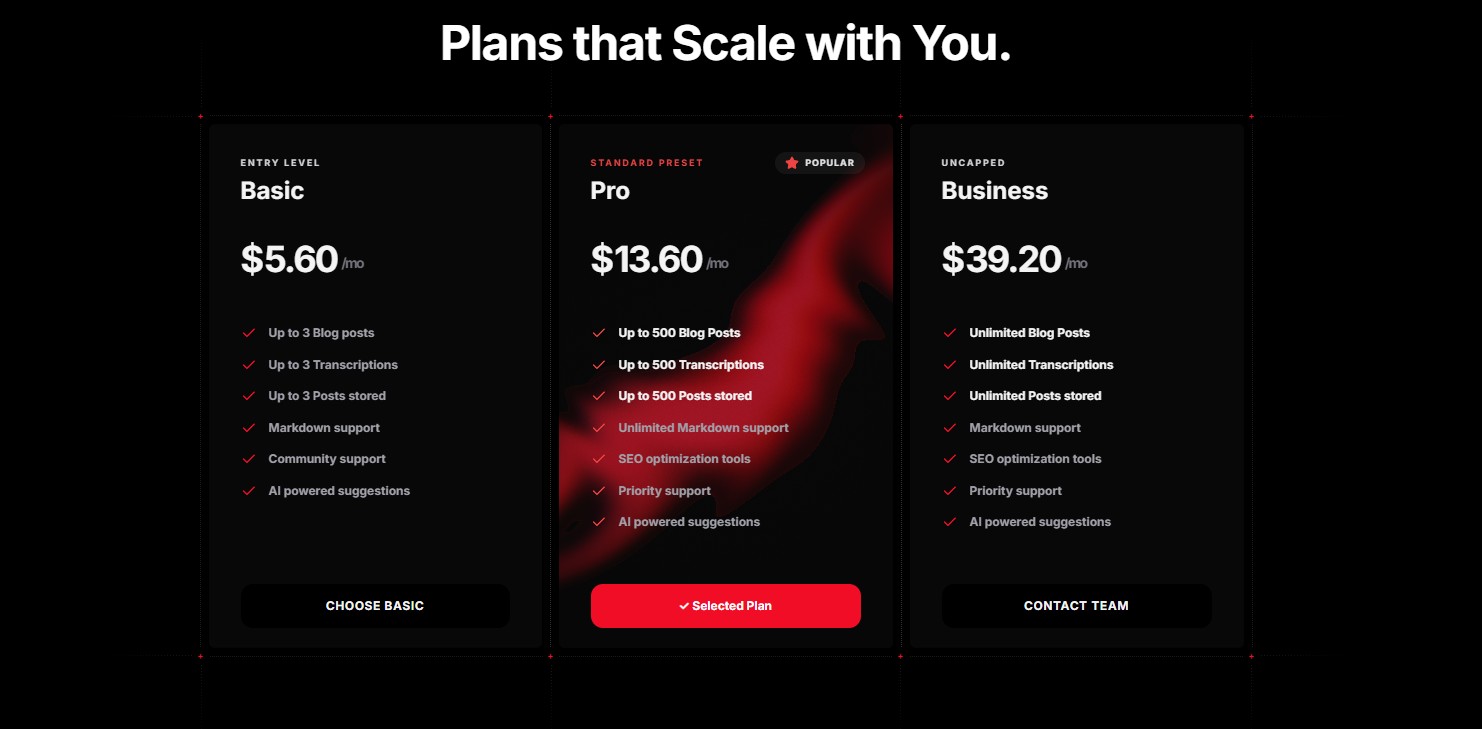 Organic Bio Pricing V2 – React Pricing Section
 Organic Bio Pricing – React Pricing Section
 Bento Pricing Grid – React Pricing Section
 Expanding Deck Slabs – React Pricing Section
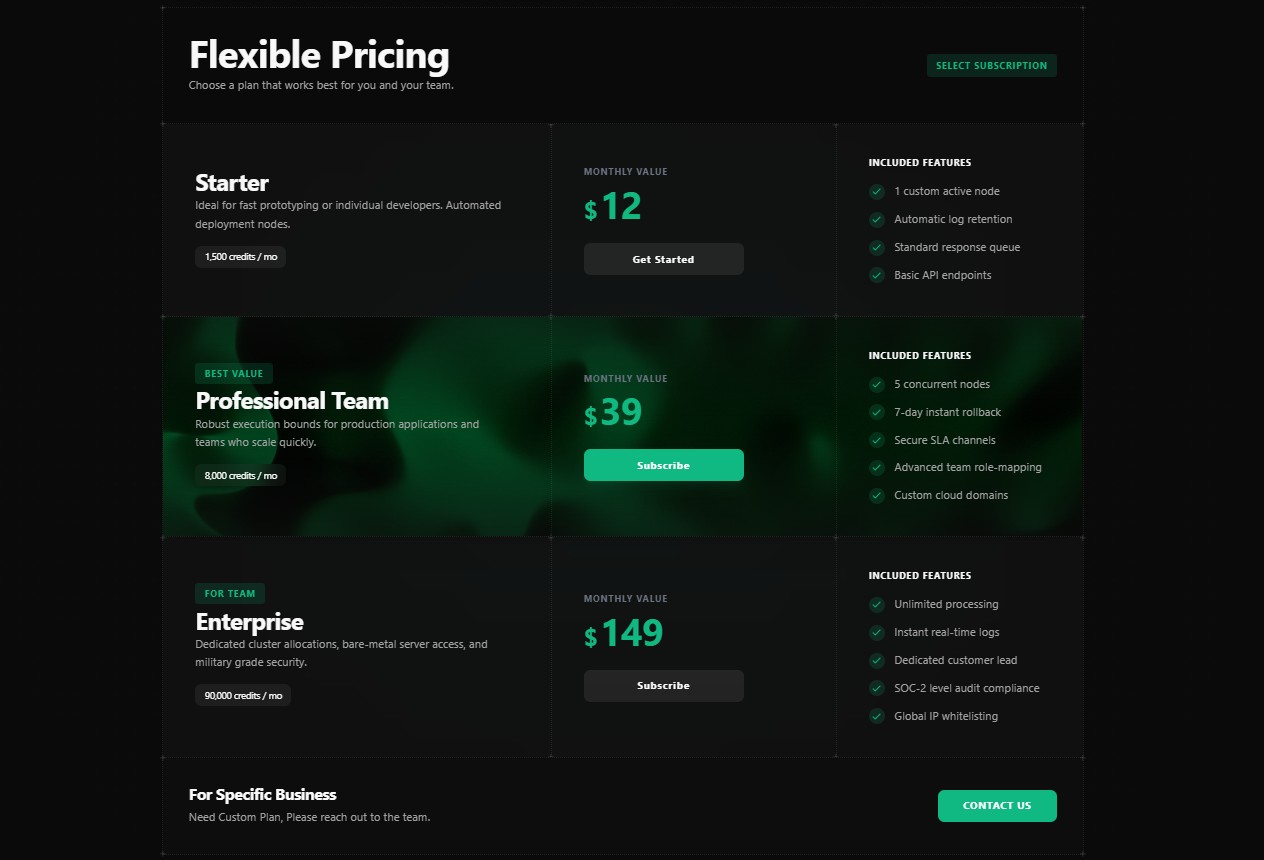 Enterprise Horizontal Row – React Pricing Section
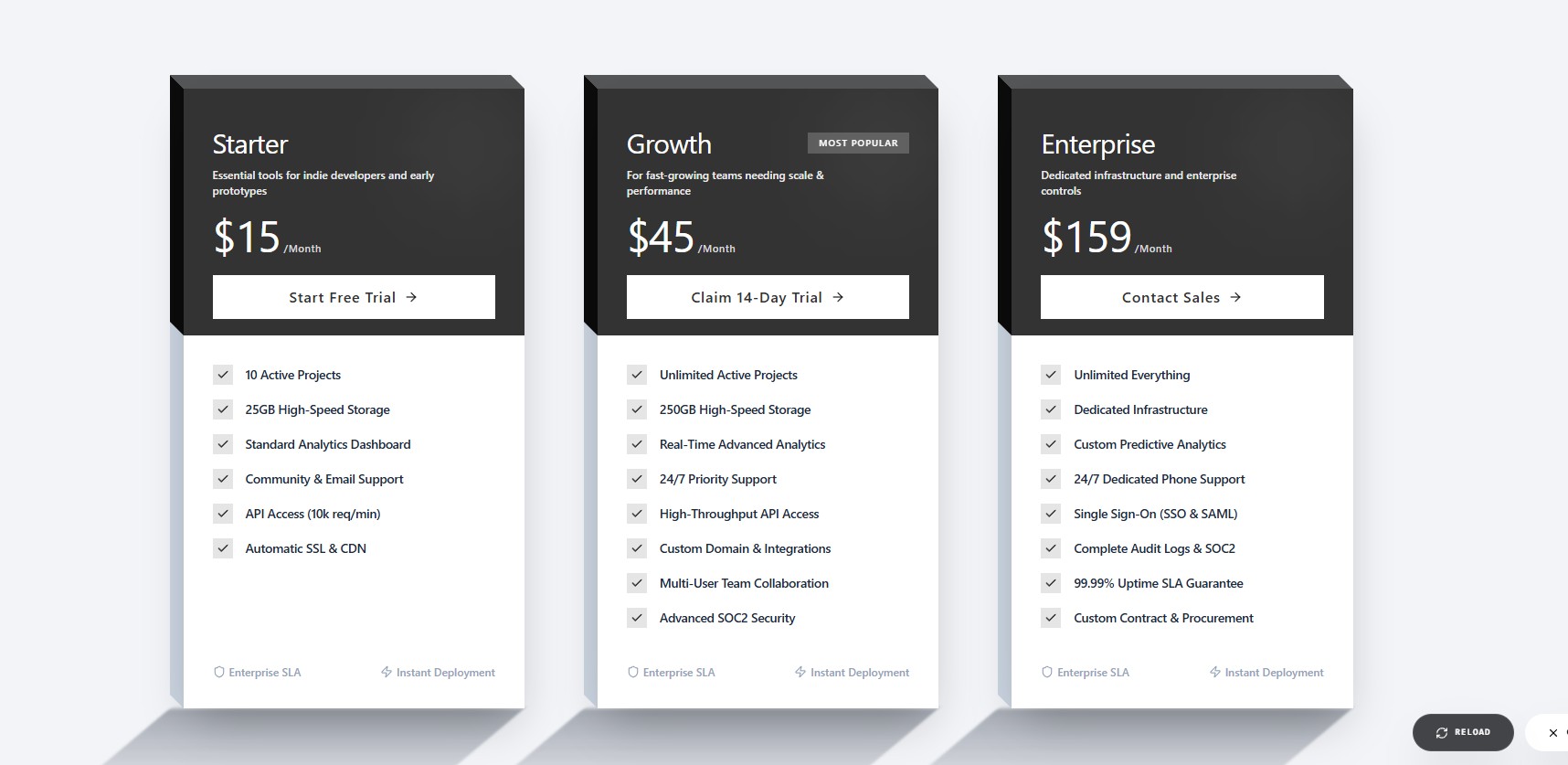 Isometric 3D Pricing – React Pricing Section
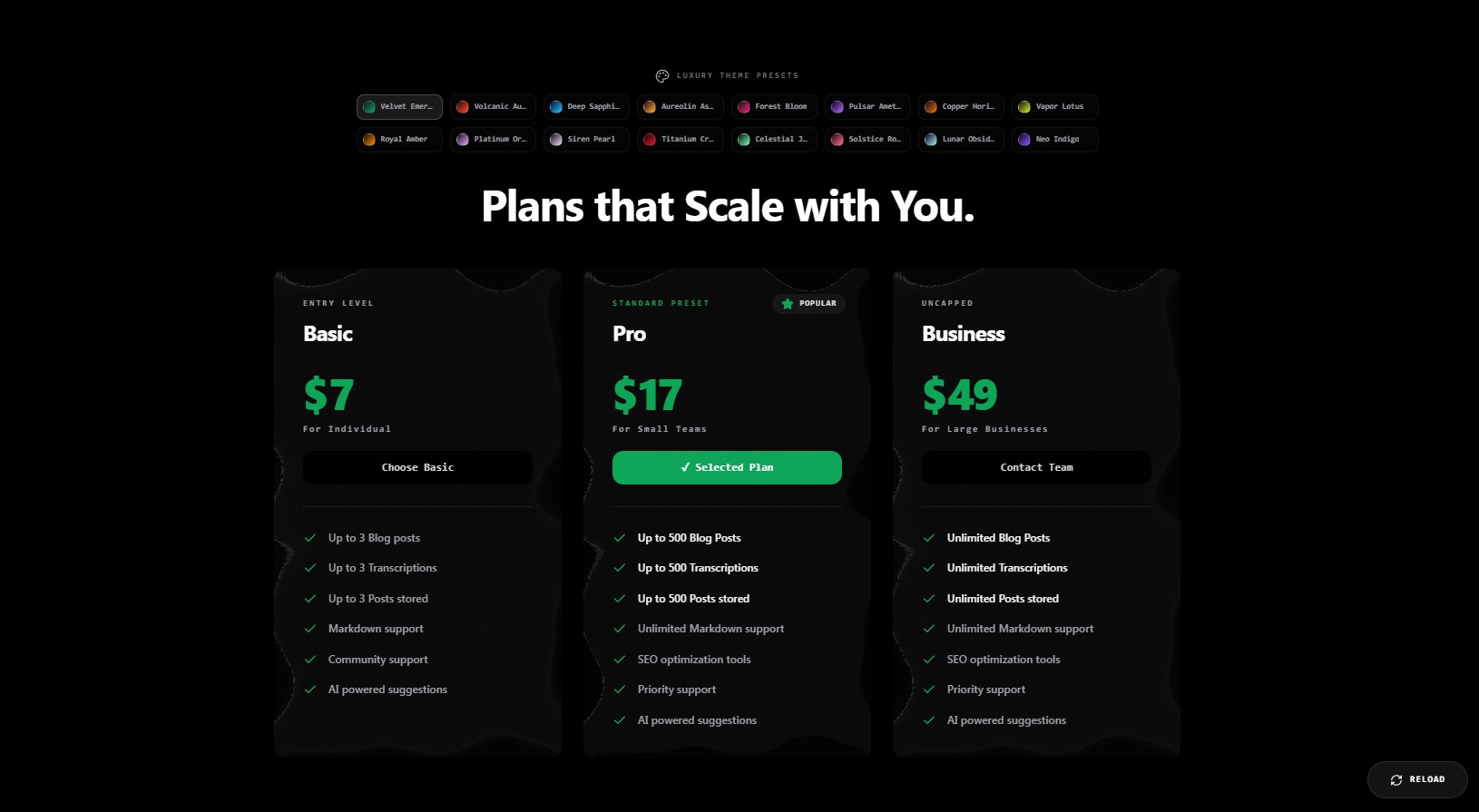 Liquid Glass Pricing – React Pricing Section
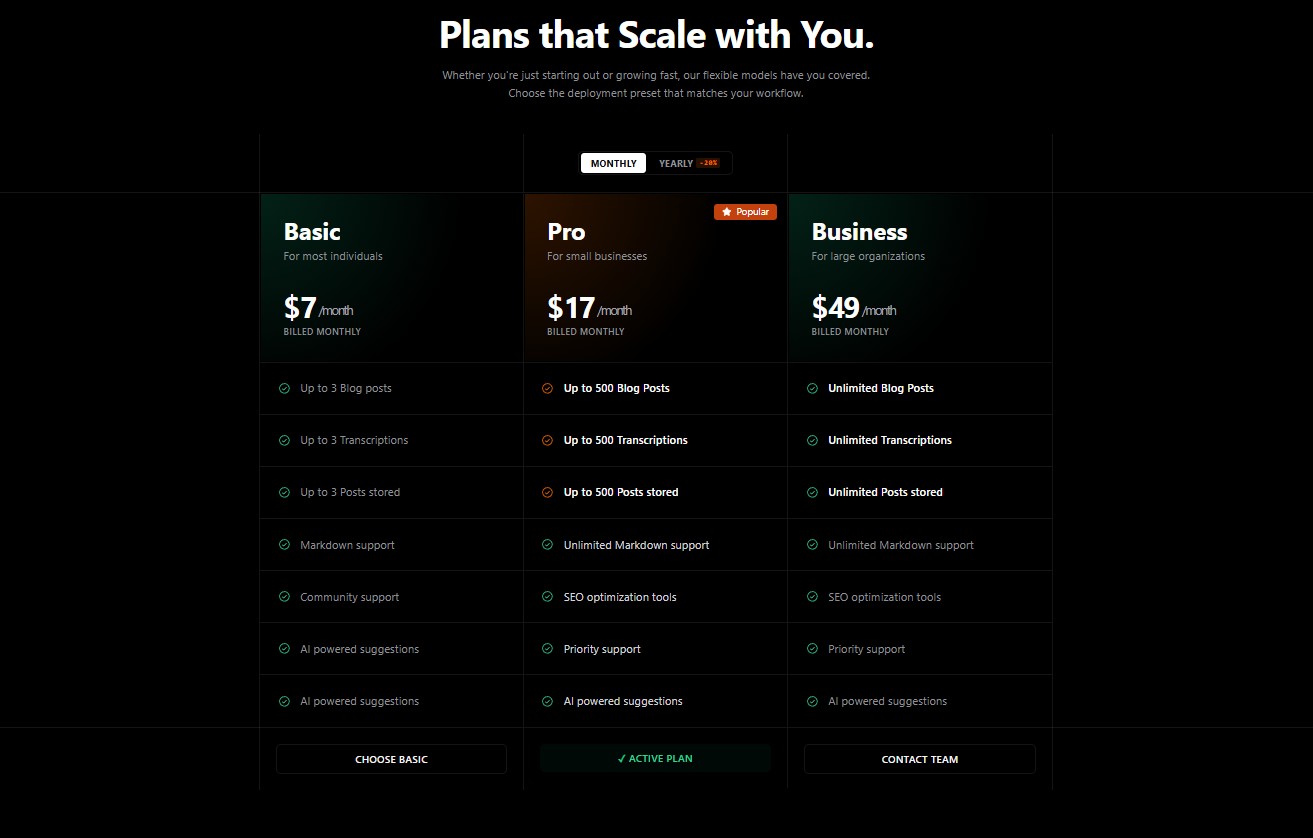 Bento Pricing Grid V2 – React Pricing Section
Pricing page design inspiration
Browsing pricing page designs on Dribbble or Pinterest? These pricing section and pricing table designs are already built. See how the tiers, toggles and hover states move, then take the code instead of rebuilding a mockup from scratch.
Frequently asked questions
How do I build a pricing section in React?
Pick a component, install its listed dependencies, paste the code into your project and edit the plans array with your own names, prices and features.
Can I use these pricing tables with Tailwind CSS?
Yes. The pricing components are styled with Tailwind CSS utility classes, so they match a Tailwind project without extra CSS.